

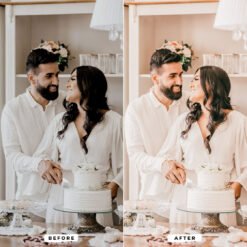
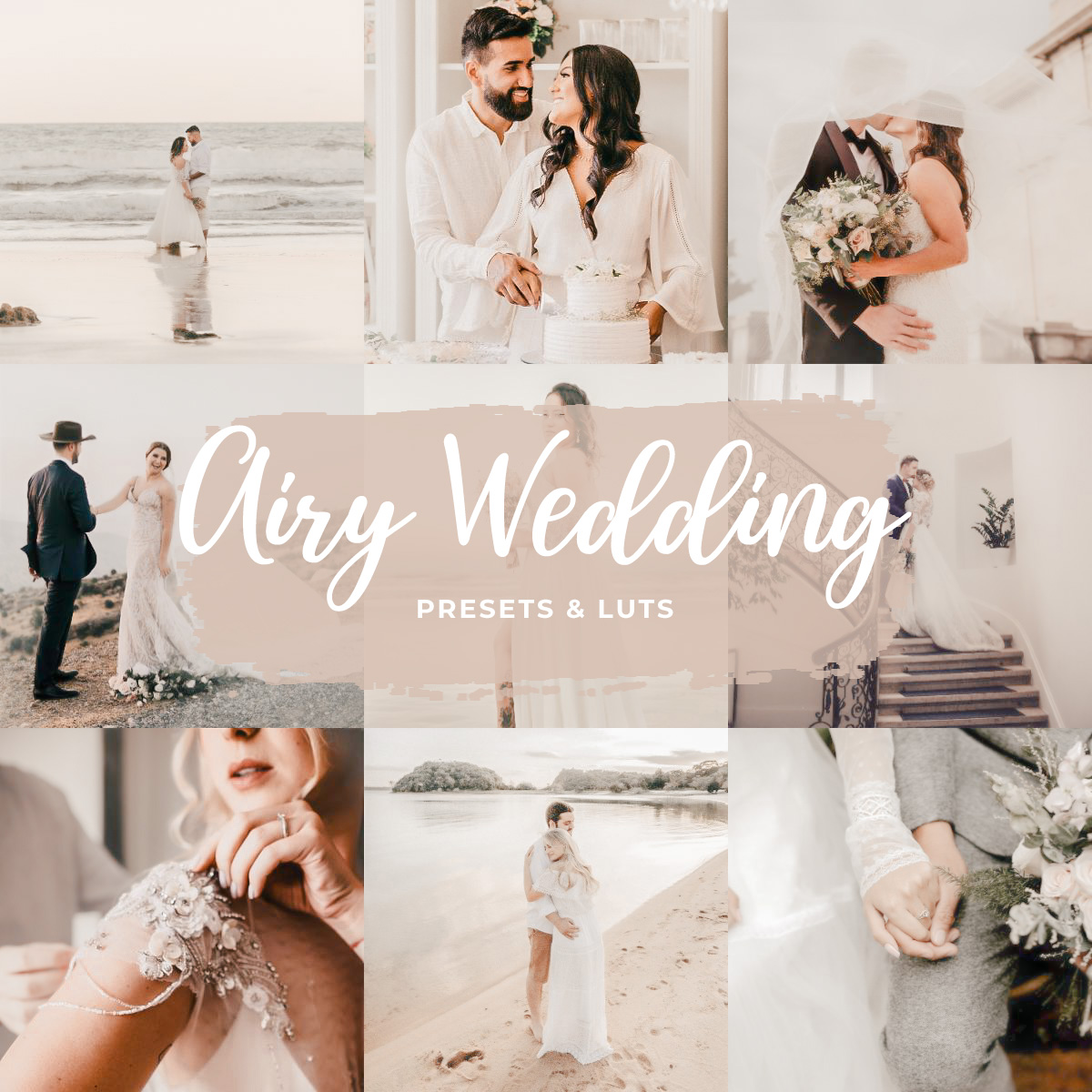
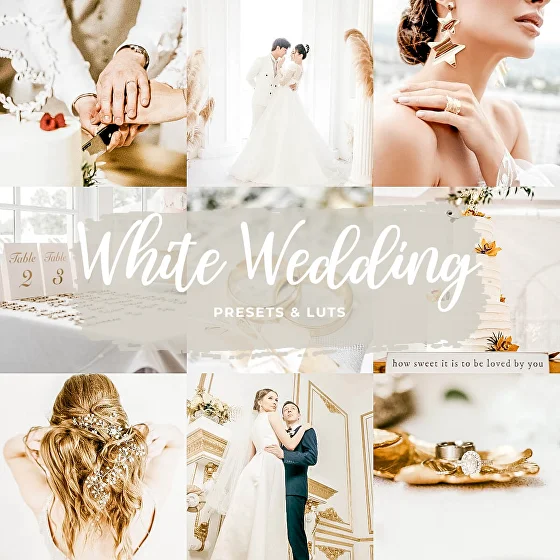
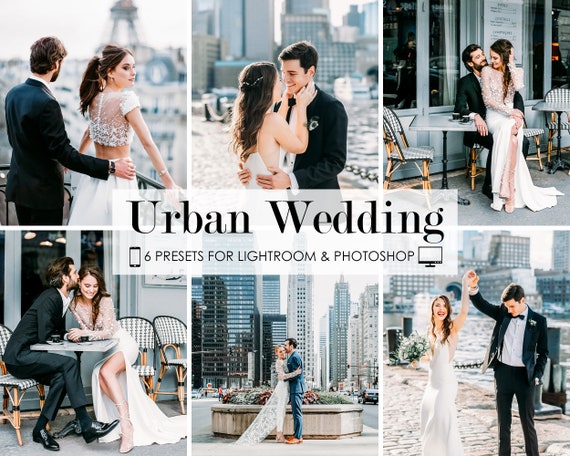
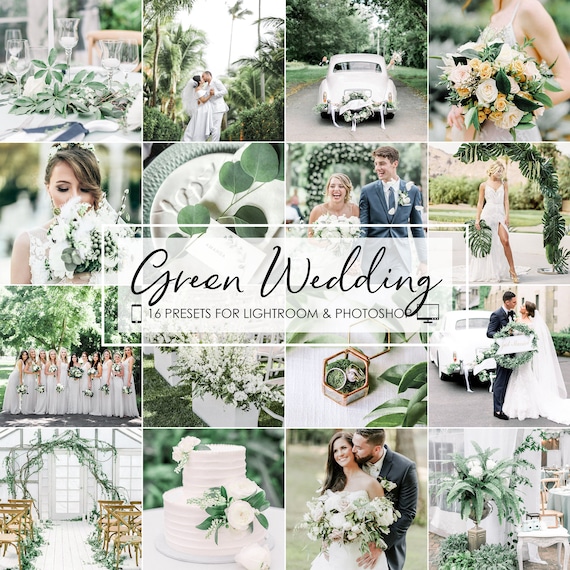
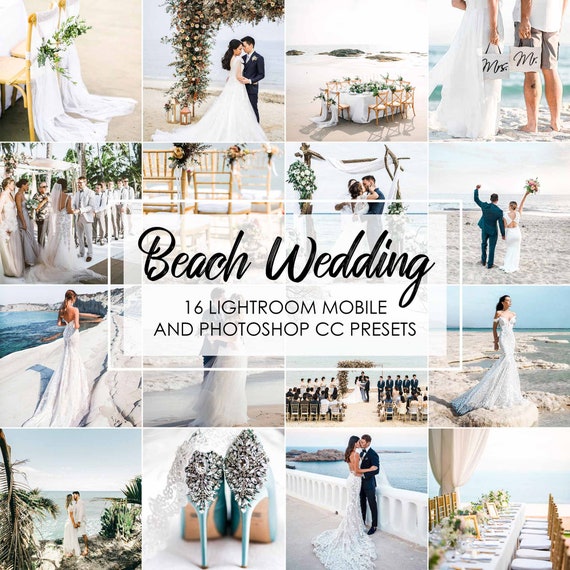
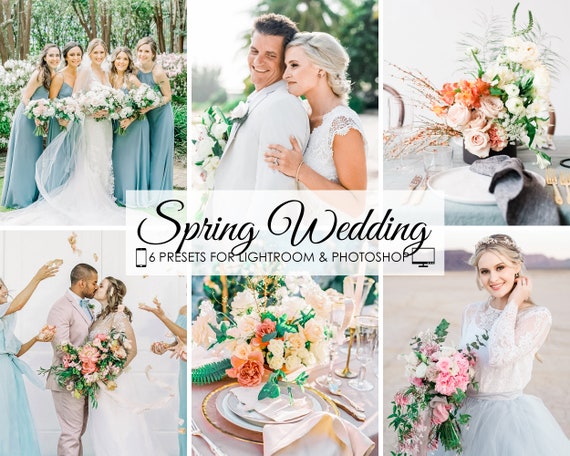
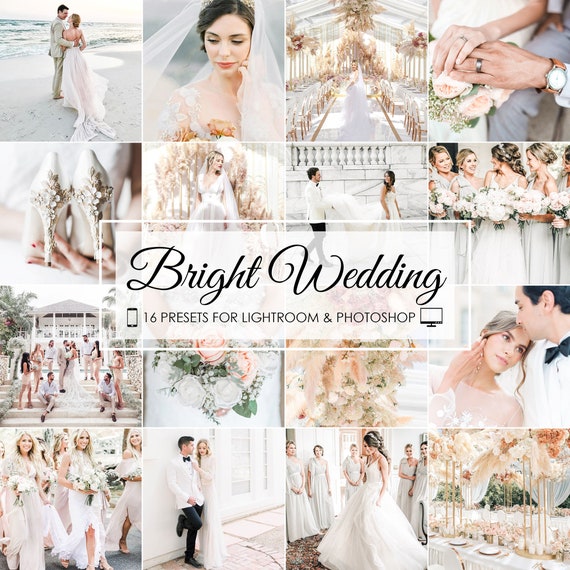

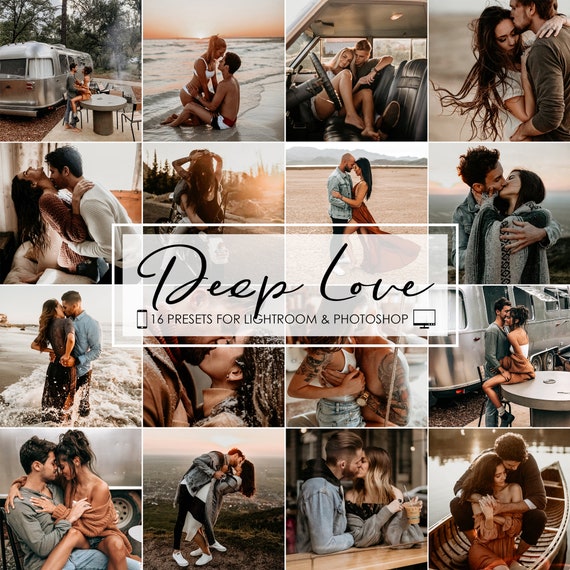
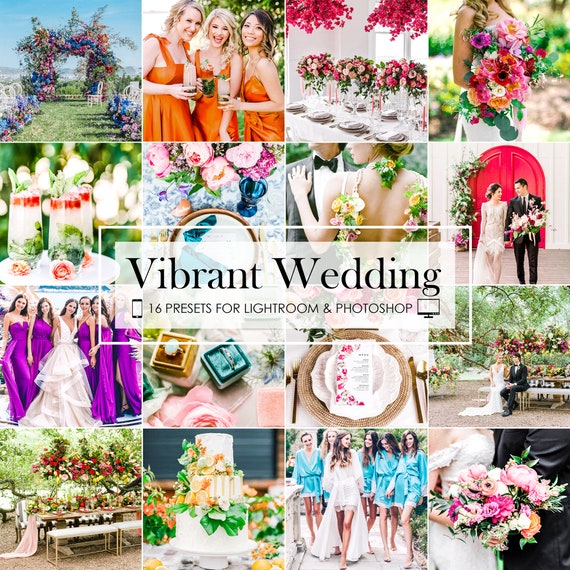

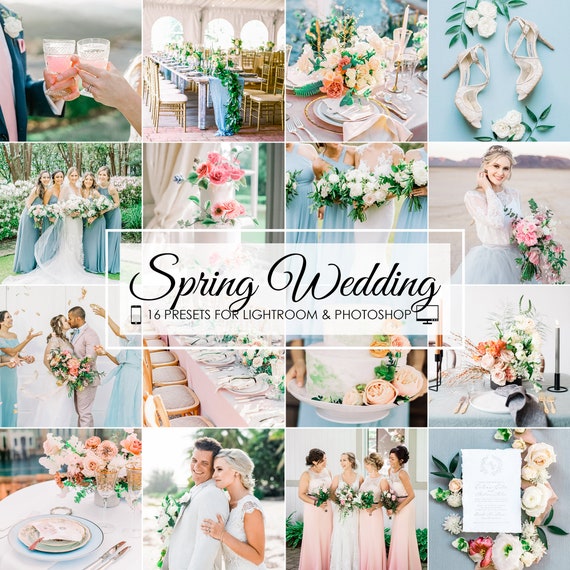
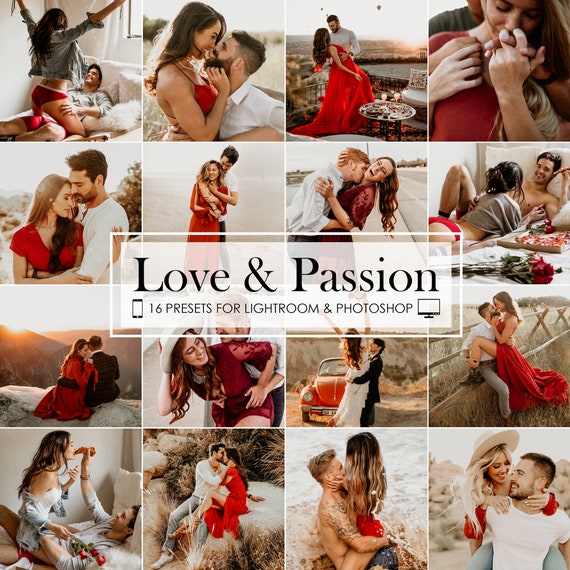
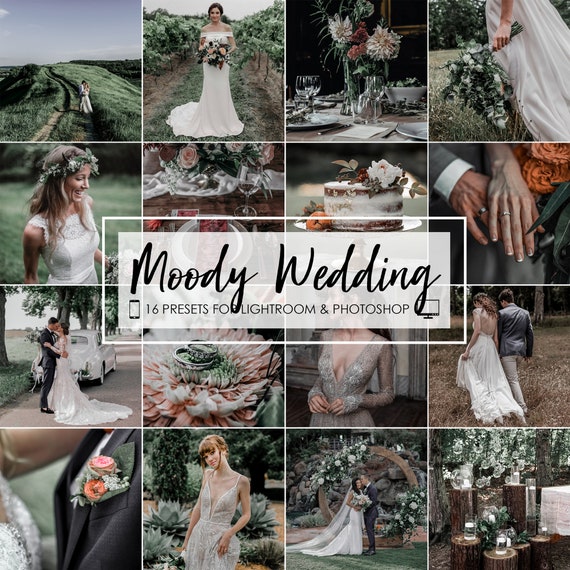
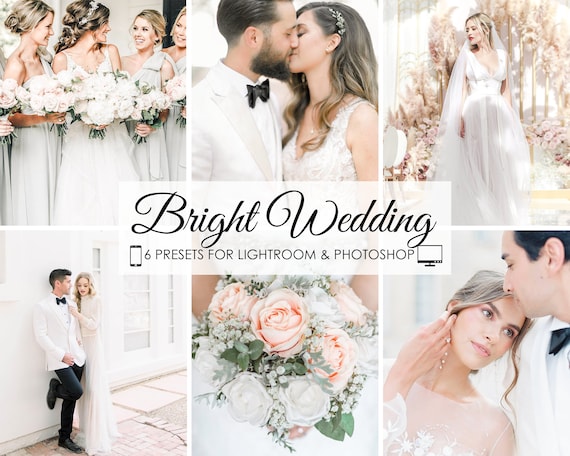
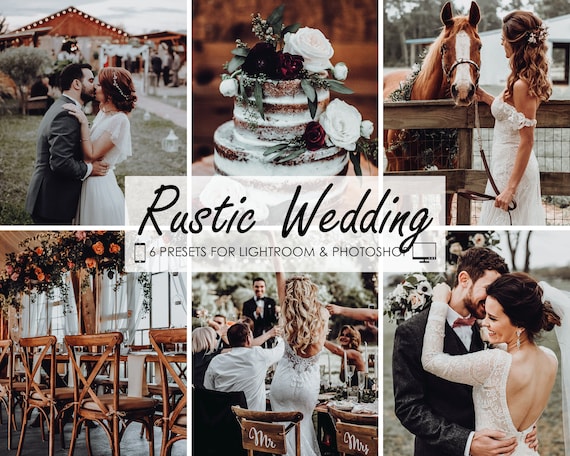
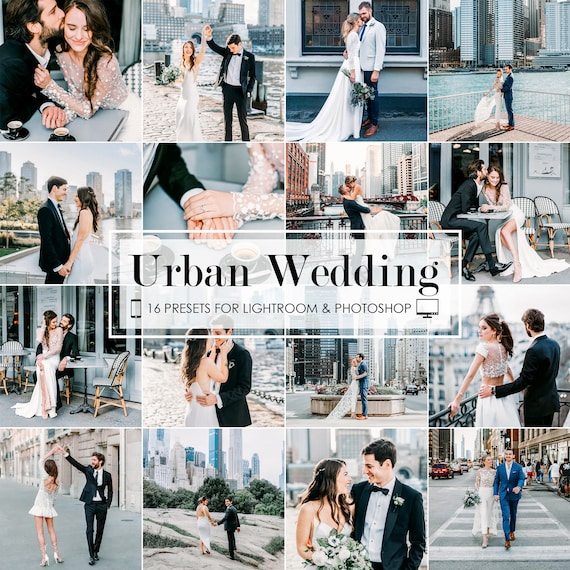
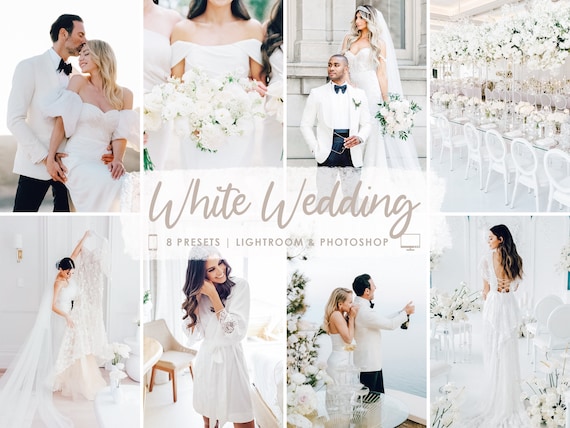
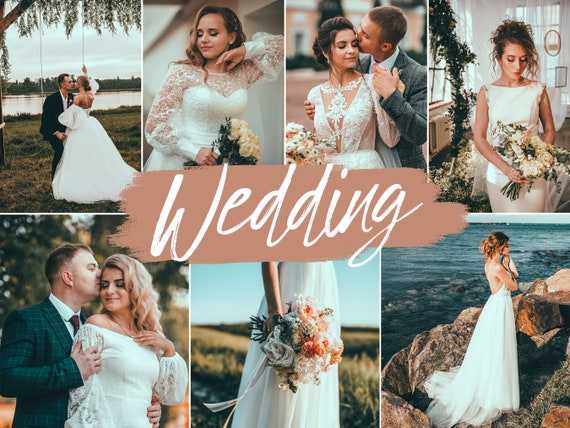
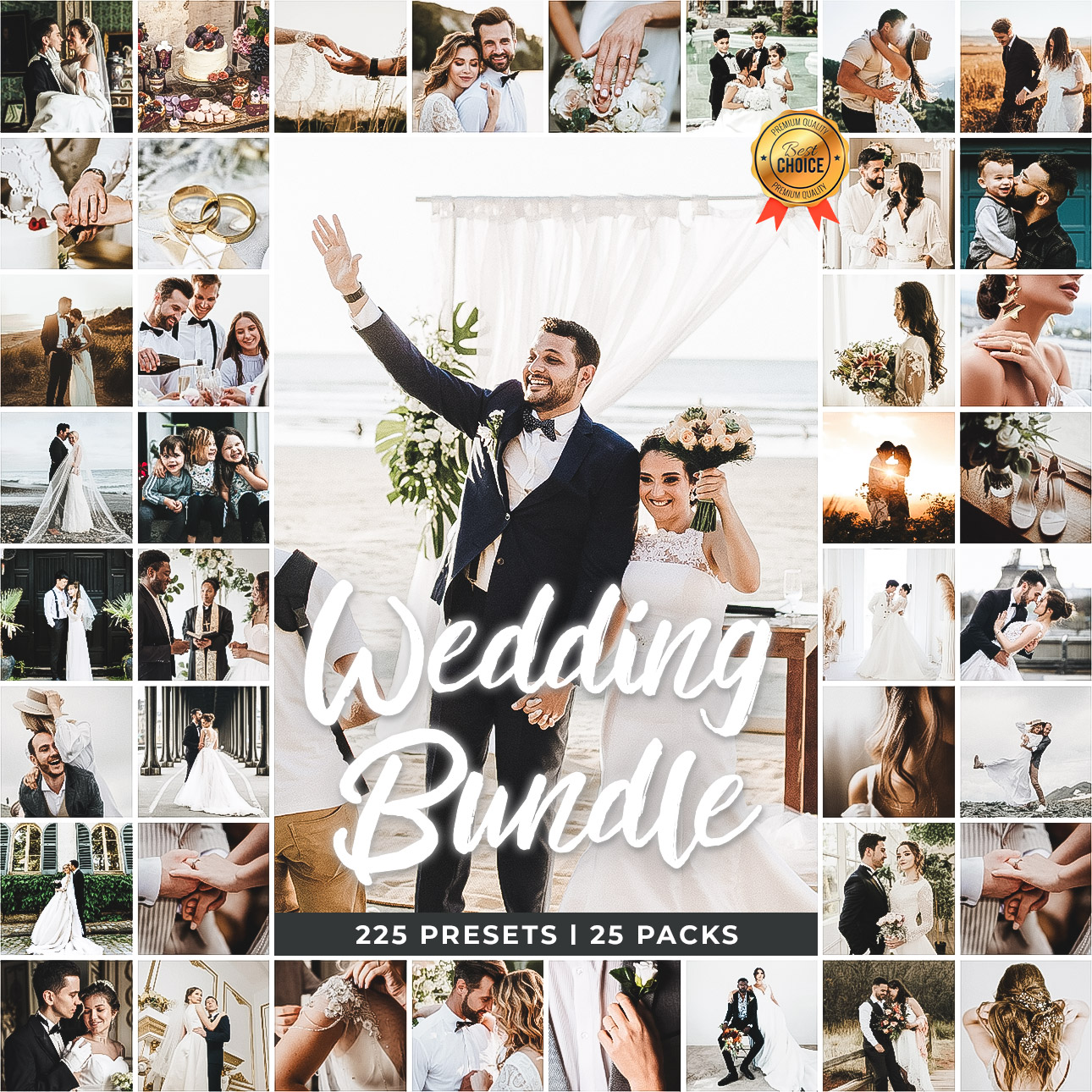
Most Wedding Filters can be found on our wedding category page at Bestlightroompresets.com
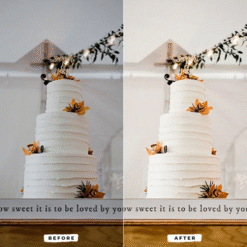
First, adjust the exposure. The preset will appear incorrect if your photo is too bright or too dark. Before worrying about colors, adjust the overall brightness using the Exposure slider.
The primary reason for colors to appear “off” is to correct the white balance. The color cast is managed by the Temp and Tint sliders. Slide the temperature in the direction of blue to cool a picture or yellow to warm it. To correct green or magenta skin tones, adjust the tint.
The HSL Panel for Perfect Skin Tones: Choose the Luminance tab from the HSL (Hue, Saturation, Luminance) panel. A pro tip for brightening and smoothing skin tones is to gradually increase the Orange Luminance slider.
Advanced Calibration: Unlike free presets, which frequently lack sophisticated tone curves and color grading, our presets are made with these features. Richer hues, smoother skin, and a more polished appearance are the outcomes.
Customizable & Non-Destructive: They are made to be an adaptable base. To guarantee that you always get the ideal outcome, we offer thorough instructions on how to adjust them.
Tested & Supported: A variety of actual wedding photos are used to thoroughly test each preset pack. To help you succeed, you also have access to our customer service and tutorial guides.